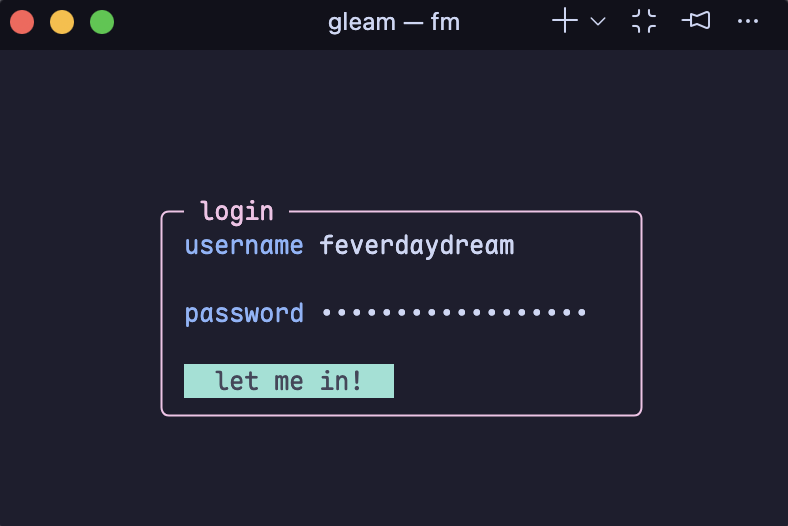
Making CLI/TUI Apps with Gleam
A while back I installed a dictionary navigator (written in Go) for my terminal that I use quite often. It's simple enough, just type def (word) and it gives you phonetics, part of speech and definitions by default (you can also get synonyms, antonyms and examples with additional flags) for your chosen word. I was taken by how relatively simple it seemed to work and I kept this project in the back of my mind for the future.
Fast forward a bit and I find Shore, a Gleam TUI Framework. I am familiar with Charm's Bubbletea for Go, and this seems a bit similar to that. Both are based on The Elm Architecture functional design paradigms. I immediately knew I needed to make something with it, and this dictionary app seemed like the perfect thing initially. Plus it gave me the opportunity to write something in pure Gleam.
Dictionary CLI App
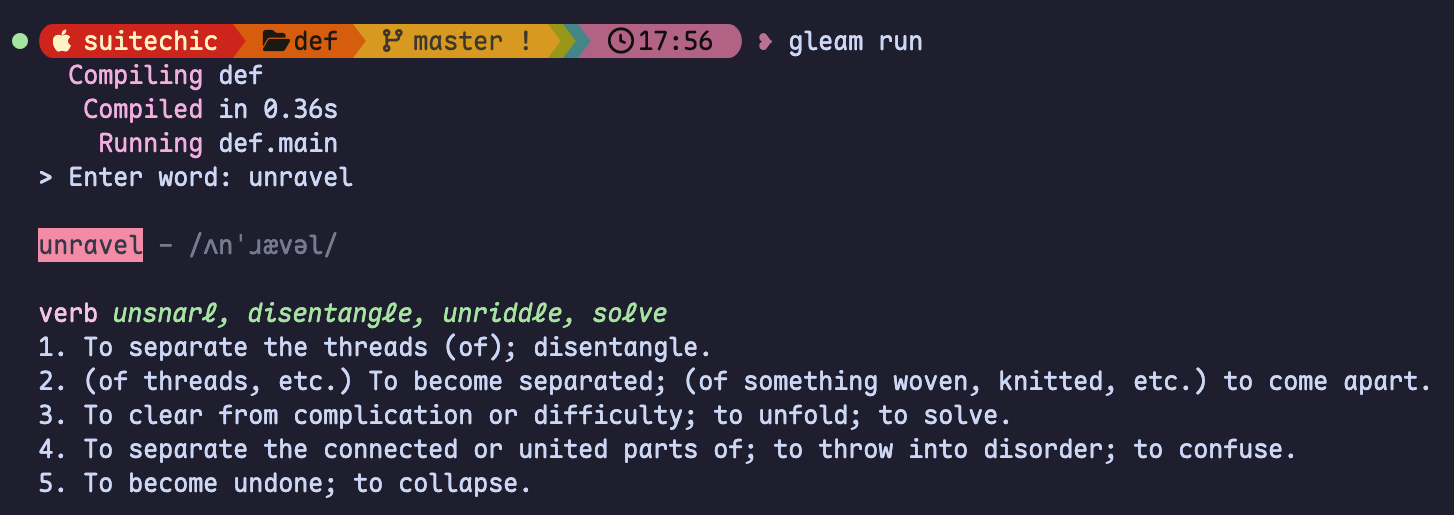
First, I needed to make the call to the Dictionary API. I used hackney and pieced together some code from Stack Overflow and made it work. Then, I had to figure out how to parse the nested json string it returned. Since Gleam is a newer language I found a lot of outdated code examples that included the deprecated json.decode, but once again Stack Overflow came through with a basic template. I finally achieved the parsing by declaring my types (definition, meaning, phonetic, and word) and using gleam/dynamic/decode for obtaining the specific fields I needed. I only ended up using phonetics, part of speech, synonyms and definitions in the final app.
For printing the word information, I had originally wanted to use Shore and had everything mapped out in a mock file. It ended up seeming like overkill and I found the gleam_community/ansi package (which includes bold and italic) more than sufficient in this case.
Below is the main function of the app, which is accessed with gleam run. Note that I also had to use the one line input package instead of Gleam's deprecated io.get_line function.
import api
import gleam/io
import gleam/string
import input.{input}


pub fn main() {
  let assert Ok(raw) = input(prompt: "> Enter word: ")
  let word = string.trim(raw)


  case word {
    "" -> io.println("Word cannot be empty!")
    w -> {
      io.println("")
      let _ = api.fetch_definition(w)
      Nil
    }
  }
}
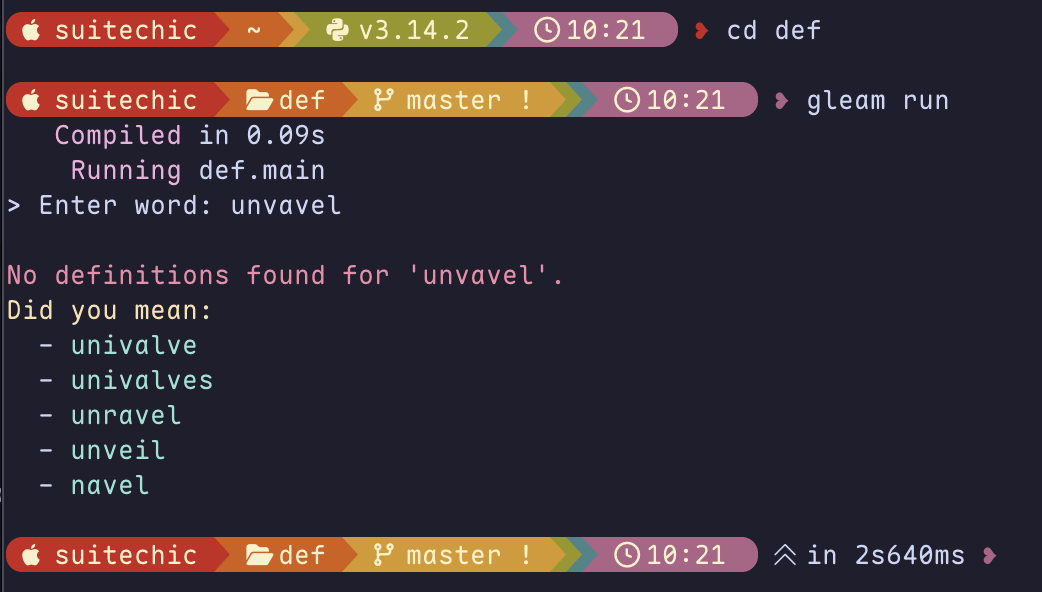
This implementation is in pure Gleam, but I did add an Erlang package called jaro_similarity to find similarities to mispelled or not found words from a txt file (can be stored locally and retrieved with simplifile).
Weather CLI & TUI App
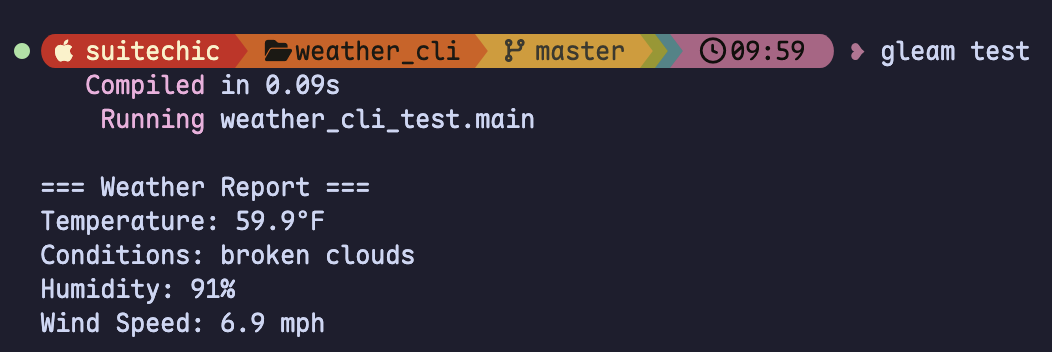
While I was doing research for my dictionary app, I happened to find a tutorial on making a weather CLI app using the Open Weather API. Unfortunately with the tutorial being a year old it did not work when I tried it out. However, this still ended up being a nice guide on how I structured my dictionary app and gave me an excuse to work on another app with some different methods (and finally make a bit of use for Shore!)
This time instead of a prompt input I used argv to accept city arguments like -- New York. By default when running gleam run the weather data it returns is from Orlando, Florida. I also had to deal with an API Key to use the Open Weather API which I stored in an .env file while using dot_env to obtain it.
import argv
import dot_env as dot
import dot_env/env
import gleam/string
import internal/api
import internal/cli


pub fn main() {
  dot.new() |> dot.load


  let api_key = env.get_string_or("OPENWEATHER_API_KEY", "")


  let args = argv.load().arguments
  let city = case args {
    [first, ..rest] -> string.join([first, ..rest], " ")
    _ -> env.get_string_or("OPENWEATHER_CITY", "Orlando")
  }


  let weather = api.fetch_weather(city, api_key)
  cli.display_weather(weather)
}
After I had the basic cli app finished, I decided to create the Shore app version to display the information in a simple colored box.

Last.fm Stats TUI App
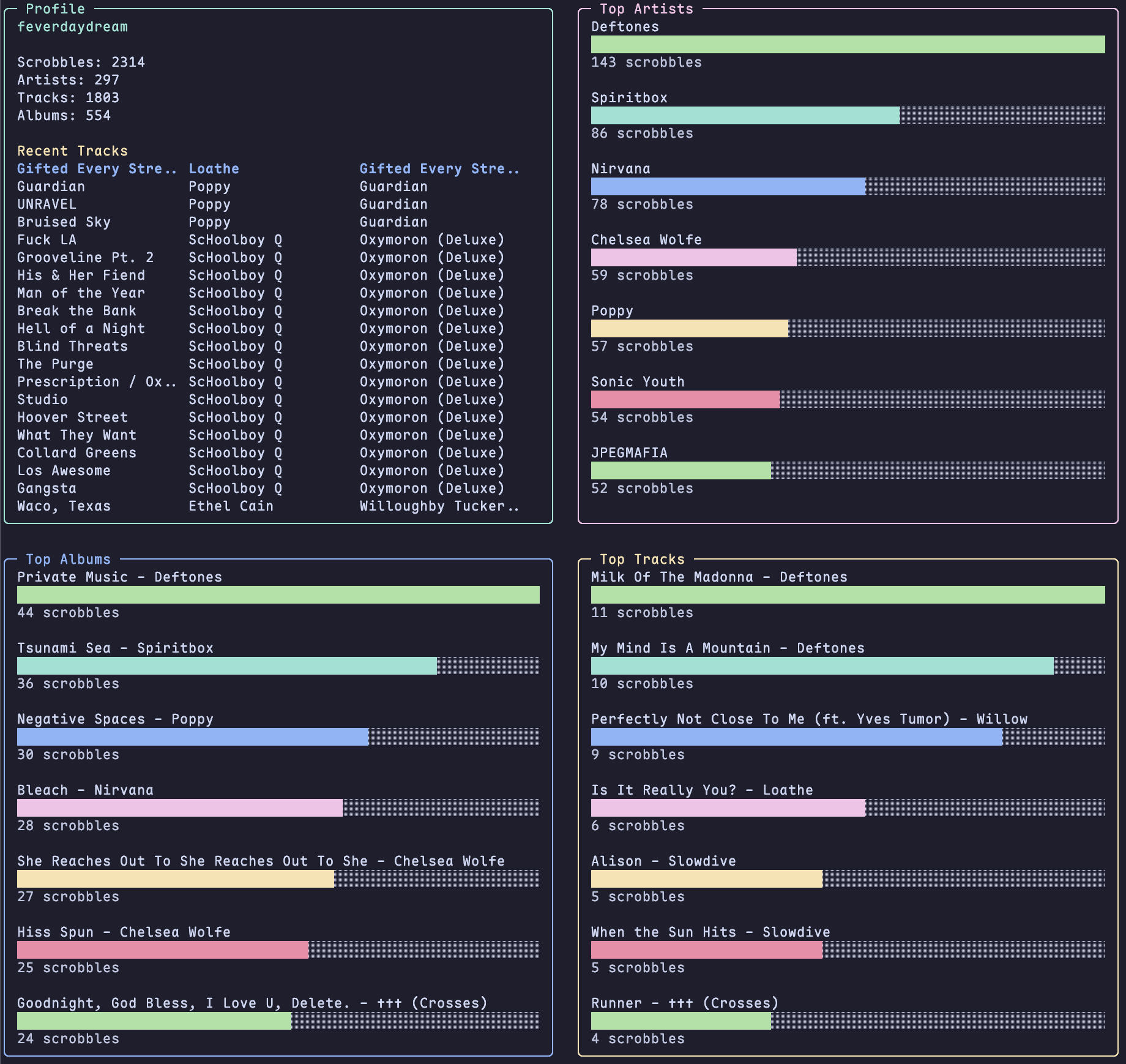
I couldn't stop there though, as I woke up with the idea to make a TUI that makes even better use for Shore and shows your last.fm top stats with progress bars. The recently played tracks are displayed with Shore's table function. This also utilizes the argument function from above. An extended version instead includes a fake login (mimicking the Last.fm login page) that receives the username (password field can be anything or left blank) for fetching the stats.